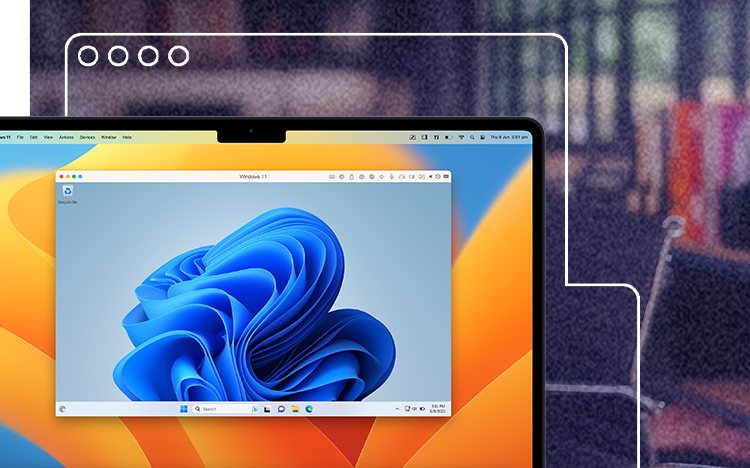
We reviewed Parallels Desktop for Mac on 9 October 2026 using Parallels' own buying page and knowledge base, plus launch pricing reported by the technology press. We have not benchmarked it.
Links to Parallels on this page are affiliate links. If you buy through them we may earn a commission at no extra cost to you. Full disclosure.
Research-based score out of 10. The overall score is the average of the four parts below.
- Authorized by Microsoft for Windows 11 on Apple silicon
- Standard edition can be bought once
- Publishes its Apple silicon limitations
- 30-day money-back guarantee on direct purchases
- Windows license is extra
- Standard capped at 8 GB RAM and 4 CPU cores per virtual machine
- No WSL2 or nested virtualization on Apple silicon
- One-time license does not include future versions
The short answer
Consider it if
- You need one or two Windows-only programs on a Mac.
- You are on an Apple silicon Mac and want the supported route.
- Your work is office software, accounting tools or light development.
Skip it if
- You need WSL2, Docker with Hyper-V, or Windows Sandbox.
- You want to play recent Windows games that require DirectX 12.
- Your Windows software has no Arm version and performs poorly under emulation.
The first-year bill
List prices reported at the launch of Parallels Desktop 26 were $99.99 a year for Standard, $119.99 for Pro and $149.99 for Business. Standard is the only edition you can also buy outright, at $219.99. Discounts are frequent, so check the current price.
Parallels does not include Windows. A Windows 11 Home license is about $139.
| Year 1 | After 3 years | |
|---|---|---|
| Standard subscription + Windows | $238.99 | $438.97 |
| Standard one-time + Windows | $358.99 | $358.99 |
| Pro subscription + Windows | $258.99 | $498.97 |
The one-time license pays for itself in the third year. The catch is that it covers the version you bought. When a new macOS breaks compatibility you may need to pay for an upgrade, which has been priced at about half the full license.
Standard or Pro?
The difference that matters to most people is memory. Standard gives each virtual machine up to 8 GB of RAM and 4 virtual CPU cores. Pro and Business allow up to 128 GB and 32 cores.
Eight gigabytes is fine for Office, a browser and most business software. It is tight for Visual Studio with large projects, data tools or anything that would want 16 GB on a real PC. Pro costs $20 a year more and adds command-line tools. If you are a developer, that is the edition to buy.
Remember your Mac's memory is shared. Giving Windows 8 GB on a 16 GB Mac leaves 8 GB for macOS.
What Windows on Arm cannot do
On an Apple silicon Mac, Parallels runs the Arm version of Windows 11, which emulates ordinary Intel programs. Most run. Parallels' own knowledge base lists what does not:
- Nested virtualization is unavailable, so Hyper-V features inside Windows do not work.
- WSL2 does not work. WSL1 is the suggested workaround.
- Virtualization-based security is unavailable.
- 3D graphics are supported up to DirectX 11.1 and OpenGL 3.3, so some new games will not start.
- Some Intel-only programs and drivers fail under emulation.
Key facts
As published by Parallels or the sources named above, checked on 9 Oct 2026. Prices and terms change, so confirm them before you buy.
| Editions | Standard, Pro, Business, Enterprise |
|---|---|
| Standard price | $99.99 / year, or $219.99 one-time (launch list prices) |
| Pro price | $119.99 / year |
| Business price | $149.99 / year |
| Standard VM limits | 8 GB RAM, 4 vCPUs |
| Pro / Business VM limits | 128 GB RAM, 32 vCPUs |
| Windows license | Not included |
| Apple silicon | Runs Windows 11 for Arm, authorized by Microsoft |
| Requires | macOS 13 Ventura or later |
| Refund | 30 days, direct purchases only, not renewals |
FAQ
Does Parallels Desktop include Windows?
No. You need to buy a Windows 11 license separately, which costs about $139 for Home.
Is the one-time purchase worth it?
It becomes cheaper than subscribing in the third year, but it does not include future major versions.
Can I run WSL2 or Docker in Parallels on an M-series Mac?
WSL2 does not work on Apple silicon because nested virtualization is unavailable. Parallels suggests WSL1.
Did you test it?
No. This review is based on Parallels' published documentation and reported pricing.
Verdict
Parallels Desktop is the supported way to run Windows on a modern Mac, and it is open about where Arm Windows falls short. Budget about $240 for the first year including Windows, pick Pro if you need more than 8 GB, and prove your must-have software works during the trial.
Product names and trademarks belong to their owners. This review is general information, not professional advice.