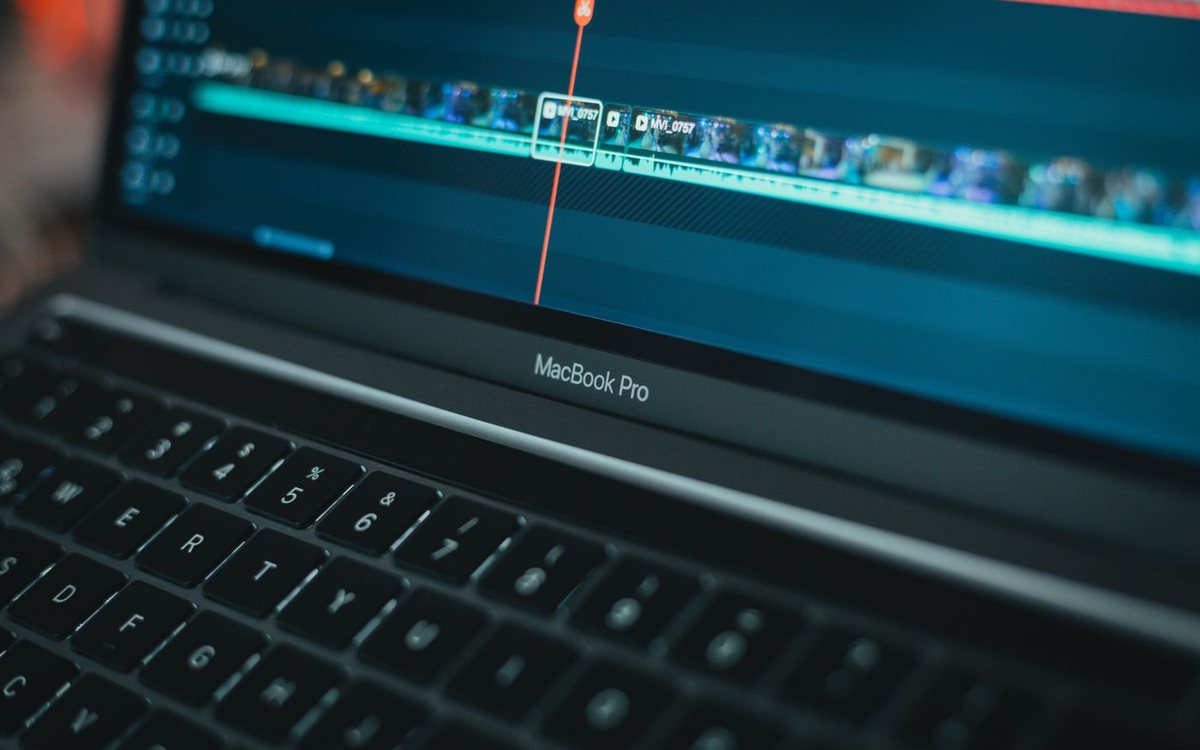
We read Wondershare's Filmora buying page on 9 October 2026 and compared the plans line by line. We have not edited a project in this version.
Links to Wondershare on this page are affiliate links. If you buy through them we may earn a commission at no extra cost to you. Full disclosure.
Research-based score out of 10. The overall score is the average of the four parts below.
- Free version lets you try everything first
- 4K export with no watermark on paid plans
- Annual plans cover Windows and Mac together
- 30-day money-back guarantee
- Free exports carry a watermark
- Perpetual license covers one major version only
- Perpetual is tied to Windows or Mac, not both
- AI features run on credits
The short answer
Consider it if
- You make videos for social media, school or family and want results quickly.
- You want templates, effects and AI tools in one place.
- You edit on both a Windows PC and a Mac.
Skip it if
- You need professional colour grading, multi-camera editing or broadcast delivery.
- You expect a one-time purchase to include every future version.
- You rely heavily on AI generation and do not want to count credits.
The three plans side by side
On the day we read the page, the Advanced annual plan was clearly priced at US$59.99 a year (shown as reduced from $69.99). The Basic annual and Perpetual cards displayed US$49.99 a year and US$79.99, but the layout made it unclear whether those were prices or savings. Confirm the total at checkout.
| Basic (annual) | Advanced (annual) | Perpetual | |
|---|---|---|---|
| Billing | Yearly, auto-renews | Yearly, auto-renews | One payment |
| Platforms | Windows and Mac | Windows and Mac | Windows or Mac |
| Cloud storage | 1 GB | 10 GB | 1 GB |
| AI credits | None listed | 1,000 per month | 1,000, once |
| New major versions | Included while subscribed | Included while subscribed | Not included |
| Watermark | None | None | None |
All three export in 4K without a watermark and include the stock asset library.
What "perpetual" covers
The one-time license is yours to keep, for the major version you bought. The page says it includes updates within that version only. When the next numbered version arrives, you keep using the old one or pay again.
It is also device-specific. The Windows and Mac versions are sold separately, so a household with both pays twice. And its 1,000 AI credits are a single allocation. When they are gone, AI features need a top-up.
For someone who edits a few times a year and does not care about new features, perpetual is still the cheapest route over time. For regular use on two platforms, the annual plans are simpler.
AI credits and the free version
Filmora's AI tools, more than 20 of them according to the page, draw on a credit balance. Advanced refills 1,000 credits each month. Basic lists none. The page does not publish a table of how many credits each feature uses, so you cannot tell in advance how far 1,000 goes. Ask, or watch the balance in your first week.
The free version includes the editing tools and stamps a watermark on every export. That makes it a real trial: build a full project, check your computer handles it, and pay only when you need a clean export.
Key facts
As published by Wondershare or the sources named above, checked on 9 Oct 2026. Prices and terms change, so confirm them before you buy.
| Platforms | Windows and macOS (mobile apps licensed separately) |
|---|---|
| Advanced annual | US$59.99 / year when checked |
| Export | Up to 4K, no watermark on paid plans |
| Free version | Full editing, watermarked export |
| AI credits | Advanced: 1,000 / month. Perpetual: 1,000 once |
| Cloud storage | 1 GB (Basic, Perpetual), 10 GB (Advanced) |
| Perpetual updates | Within the purchased major version only |
| Licence | Single user, not transferable |
| Refund | 30-day money-back guarantee |
FAQ
Is Filmora a one-time purchase?
A perpetual license is available. It covers one major version on one platform and does not include future numbered versions.
Does the free version of Filmora have a watermark?
Yes. Exports from the free version are watermarked. Paid plans remove it.
Do AI features cost extra?
They use credits. The Advanced plan includes 1,000 a month and the perpetual license includes 1,000 in total.
Did you test it?
No. This review is based on Wondershare's published plan details.
Verdict
Filmora is priced fairly for an editor aimed at beginners, and the watermarked free version is a proper trial. The licensing takes more reading than it should. Choose Advanced if you use the AI tools or two platforms, perpetual if you edit occasionally on one computer, and switch off auto-renew if you only need it once.
Product names and trademarks belong to their owners. This review is general information, not professional advice.